
PPFAS provides a fully digital onboarding process for investors wishing to invest through its GIFT City platform. Investors can create a folio online, complete KYC-related requirements, and initiate investments upon successful registration
Portal Link: https://gift.ppfas.com/product/
Process Flow
Step 1: New Investor Registration
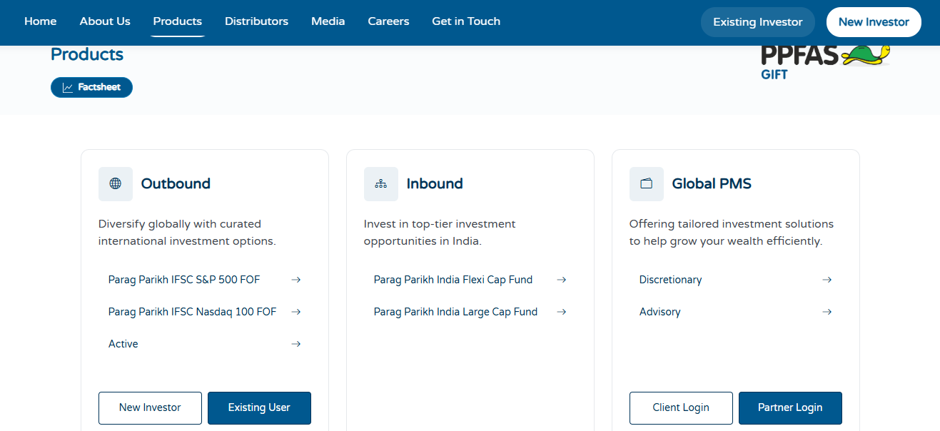
- Access the PPFAS GIFT City Investor Portal.
- Select the “New Investor” option to begin the registration process.
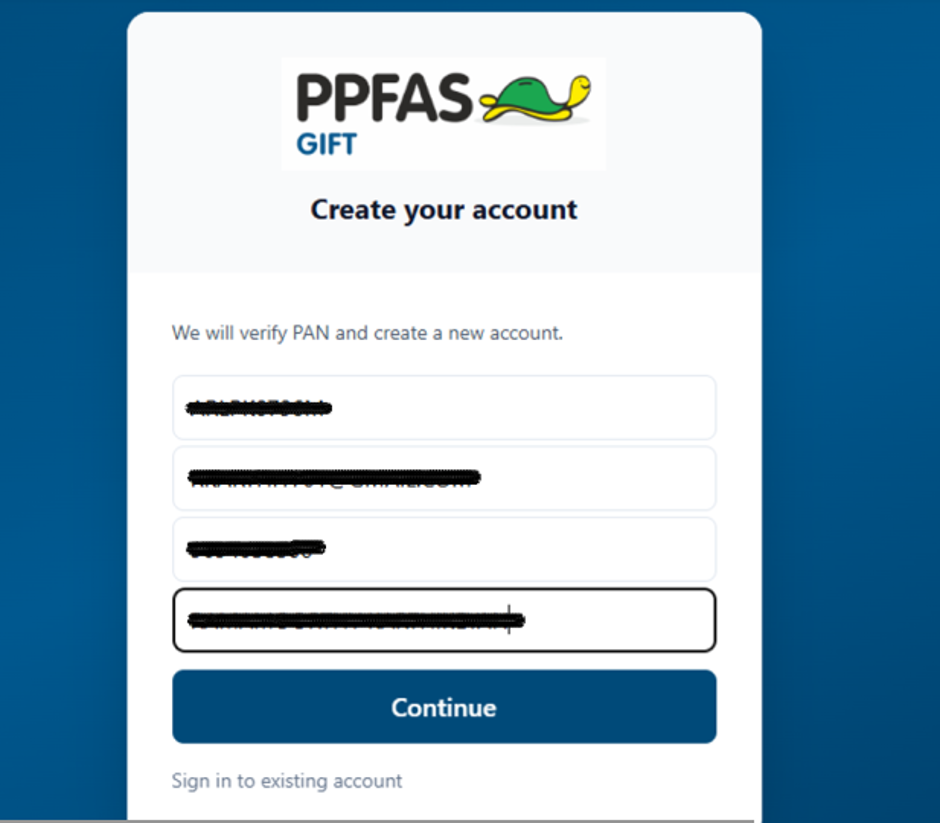
- Enter PAN, Email ID, Mobile Number, and Name as per Income Tax Department (ITD) records.
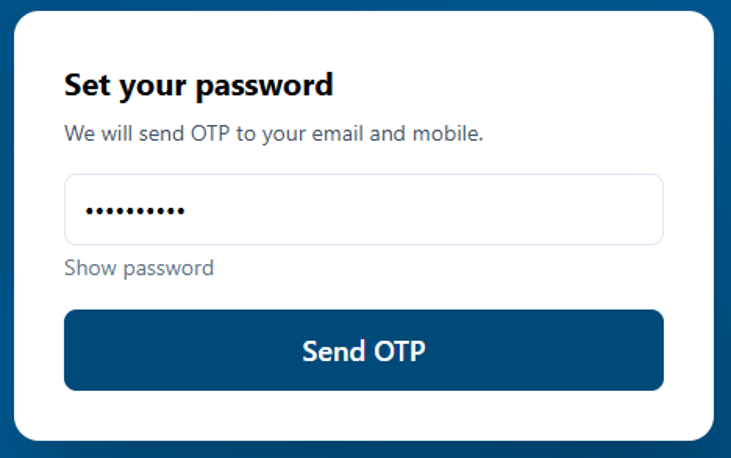
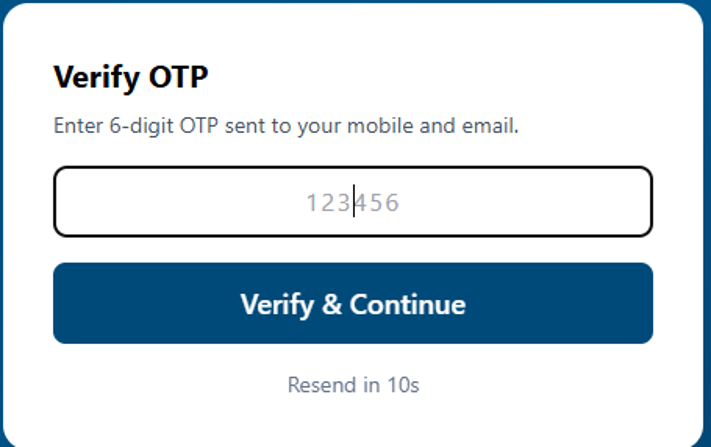
- Create a login password and complete OTP authentication received on the registered mobile number and email address
Step 2: Folio Creation
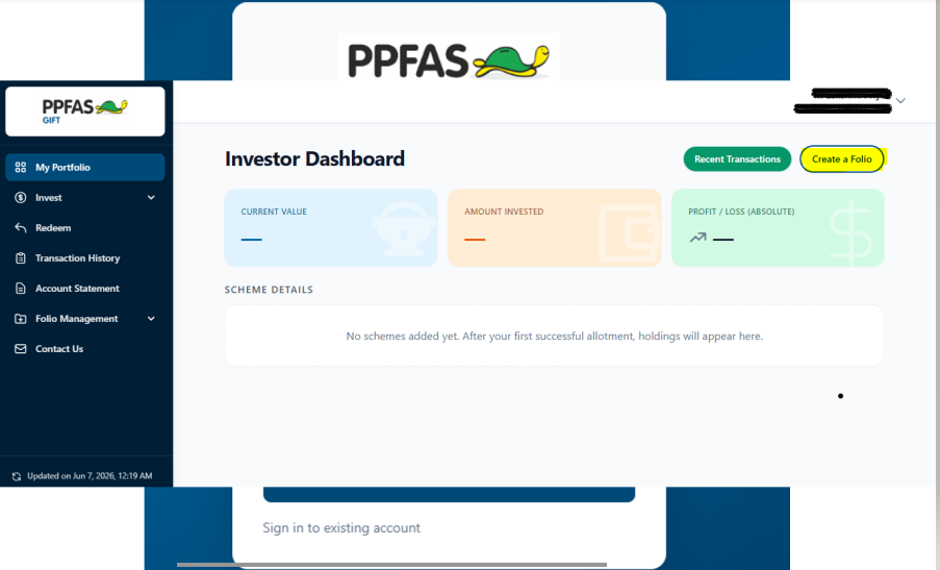
- Login to the portal using the newly created credentials.
- Select “Create Folio” and proceed with the onboarding process.
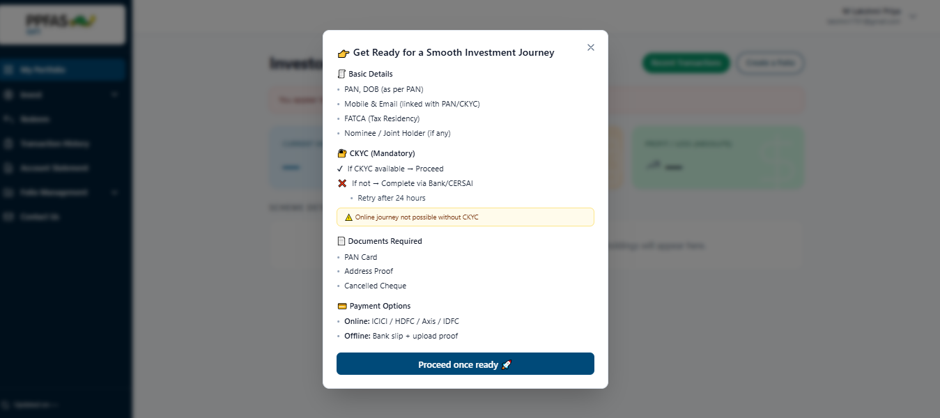
- Ensure all required personal and banking information is readily available before proceeding.
Step 3: Date of Birth Verification
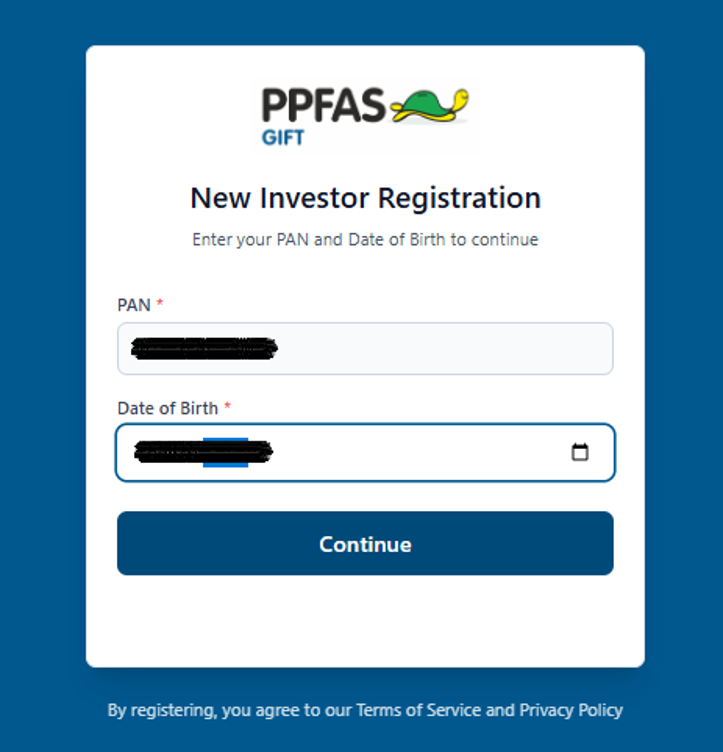
- Enter your Date of Birth and verify the details.
- Click Continue to proceed to the next step
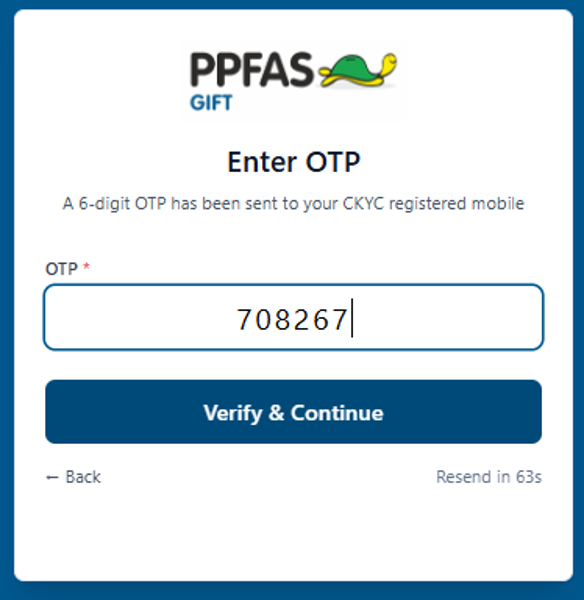
Step 4: Mobile Number Authentication
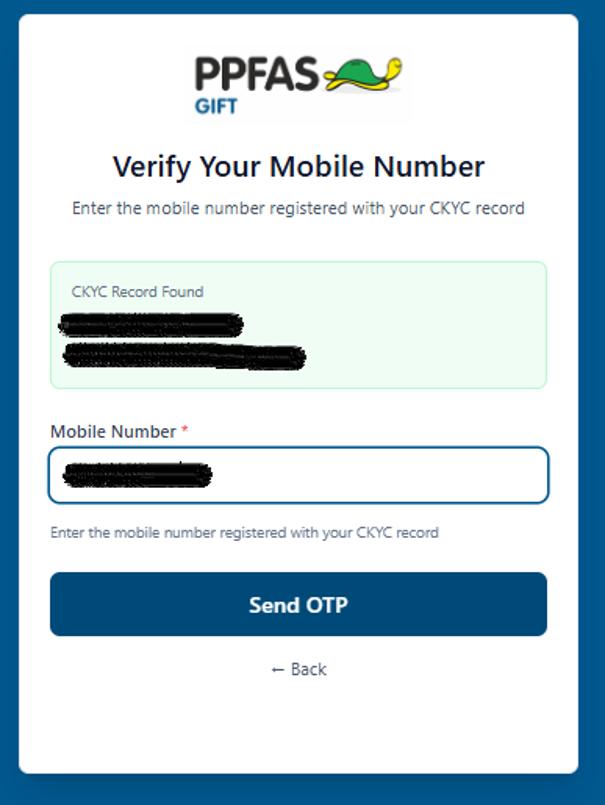
- Enter the registered mobile number.
- Generate and validate the OTP received on the mobile number.
- Select Verify & Continue to proceed.
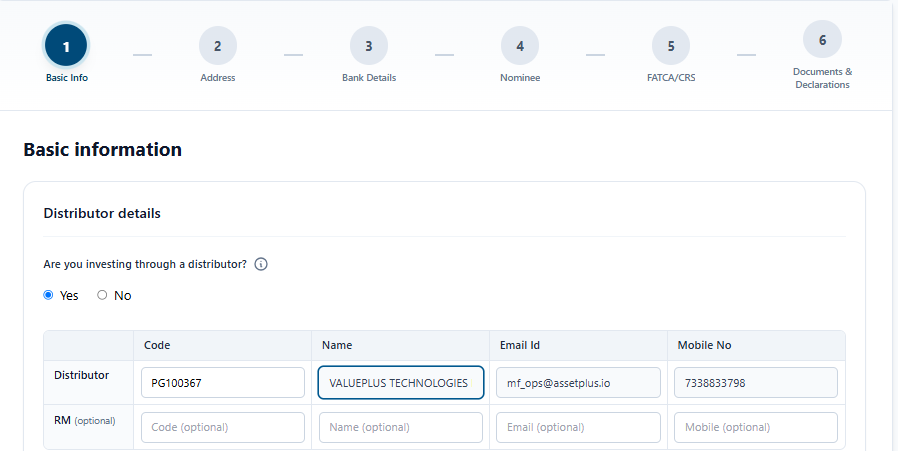
Step 5: Distributor ARN Mapping
- Enter the allotted distributor code (PG100367).
- Verify the ARN details and continue to the personal information section.
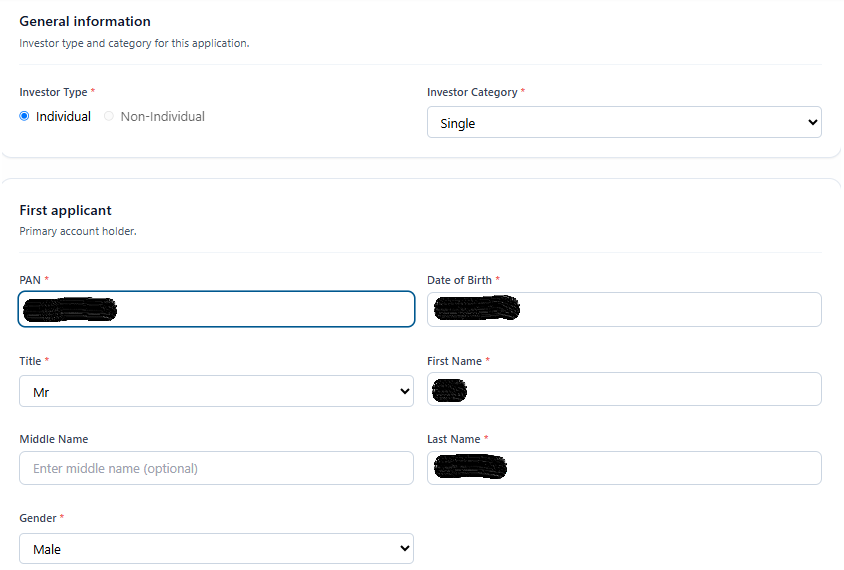
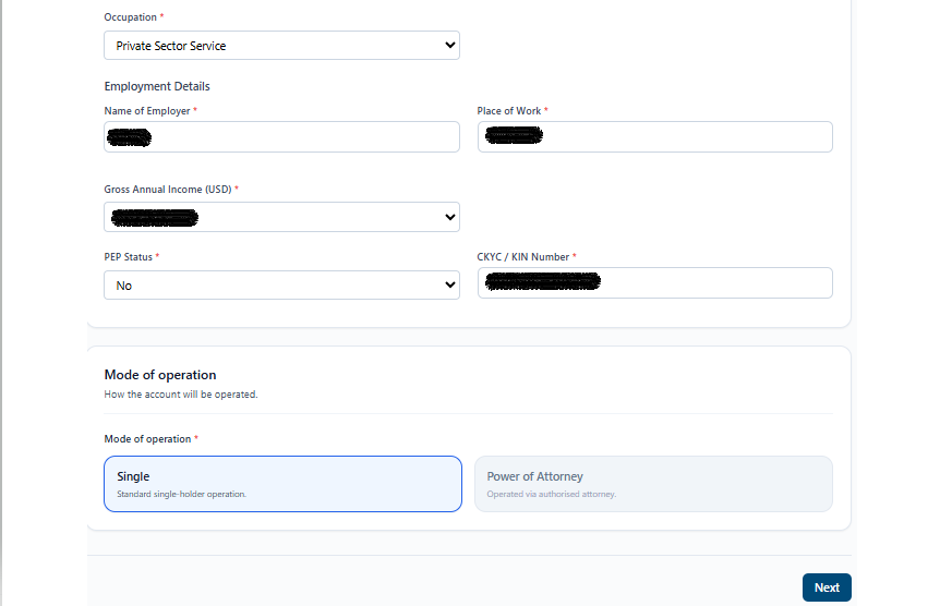
- Review and update personal details as required.
- Ensure the information matches official records.
- Click Next to continue.
Step 6: Contact Information Validation
- Verify the registered address, email ID, and mobile number.
- Update details if required and proceed to the next step.
- Confirm whether the correspondence address is the same as the registered address.
- If different, update the correspondence address accordingly
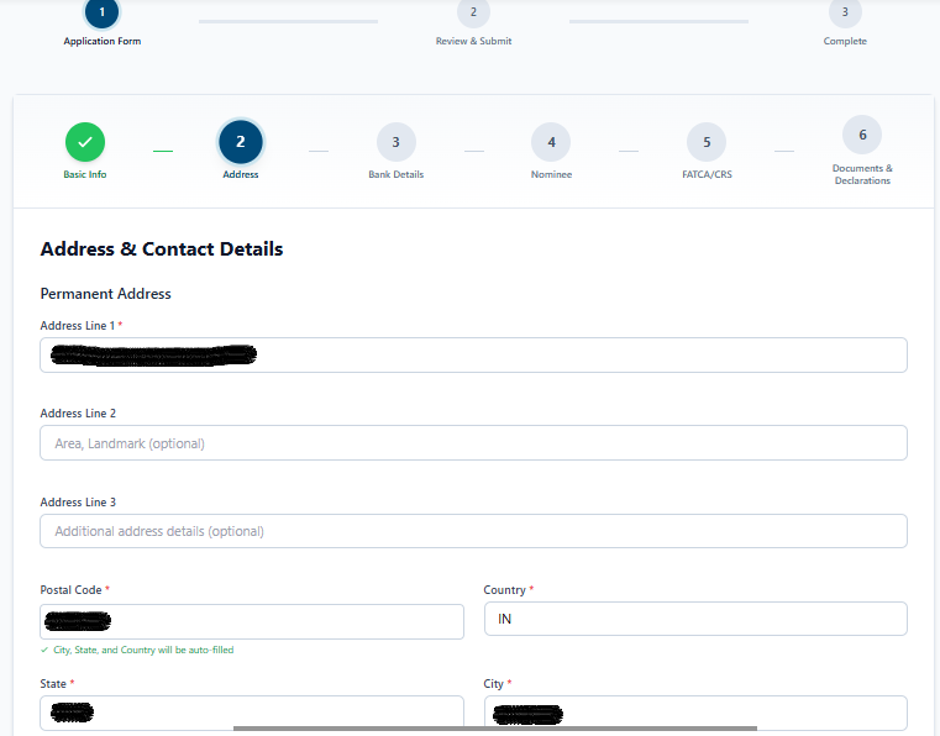
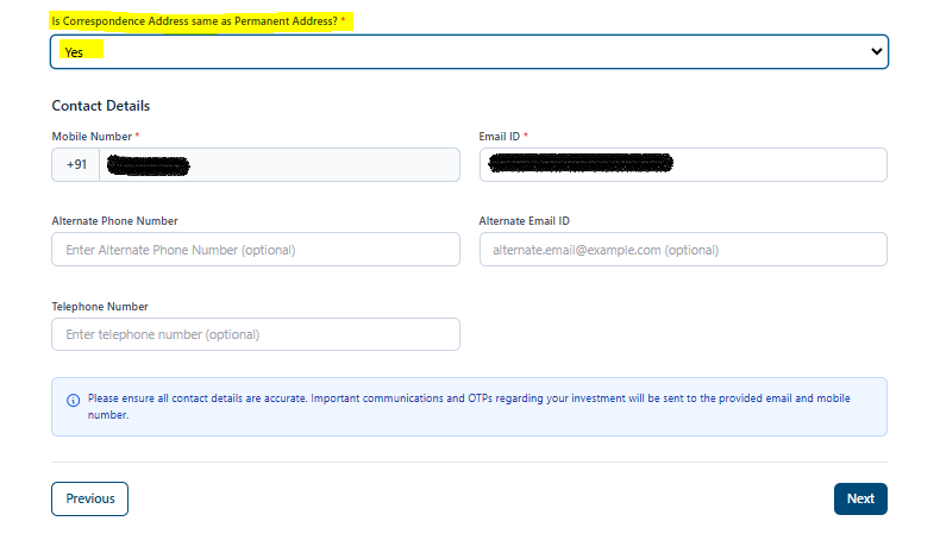
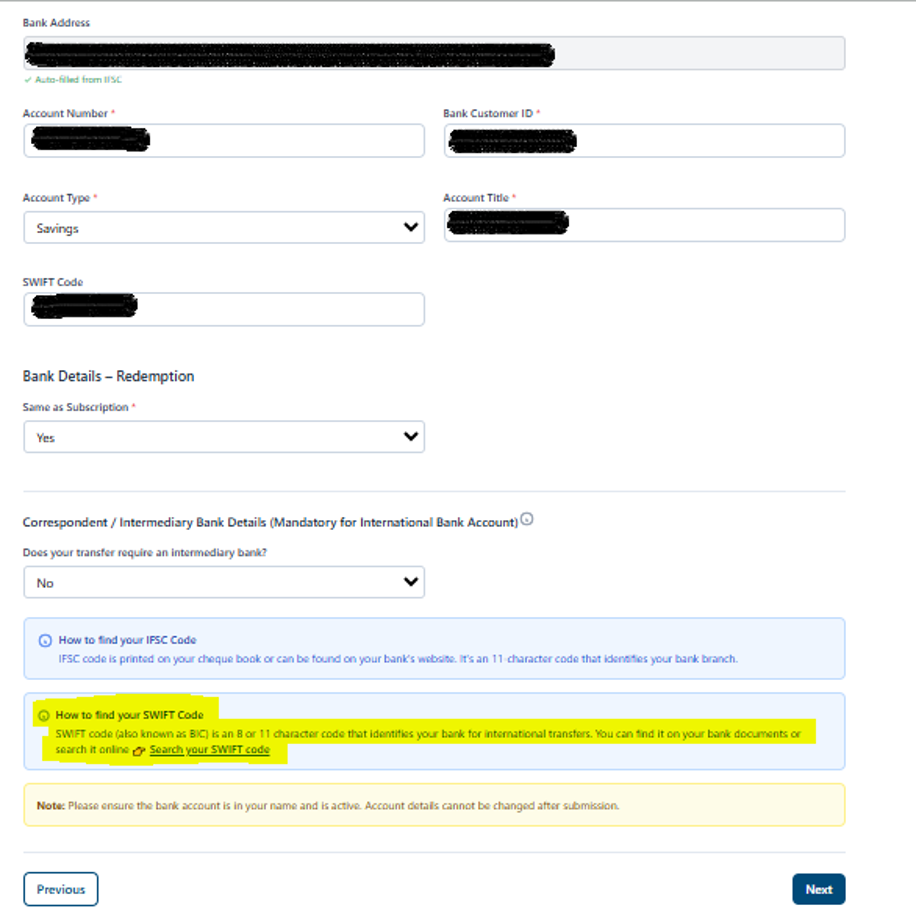
Step 7: Correspondence & Bank Account Details
- Enter bank account details for investment subscriptions and redemption proceeds.
- Supported banks may facilitate direct payment through the platform
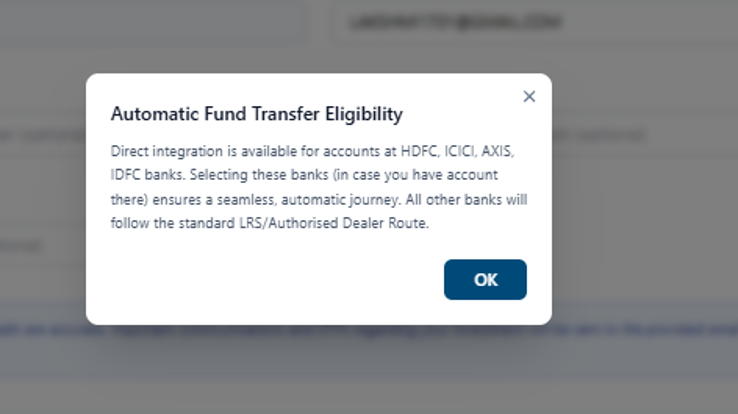
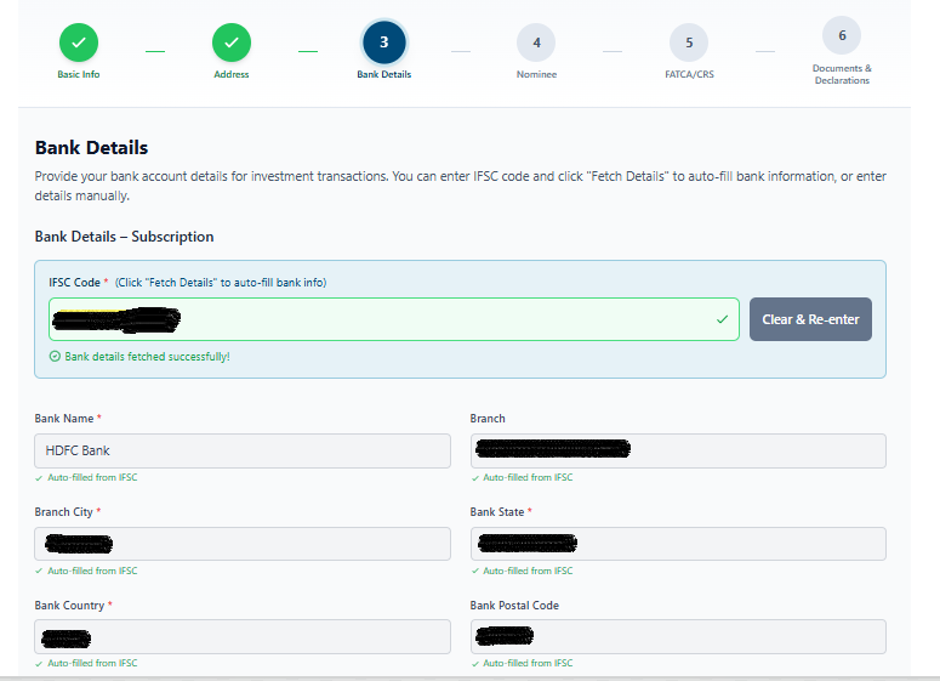
Step 8: SWIFT Code Verification
- Enter the bank SWIFT Code accurately.
- Investors may obtain the SWIFT Code from their bank or official banking documentation.
- Review the bank details and proceed.
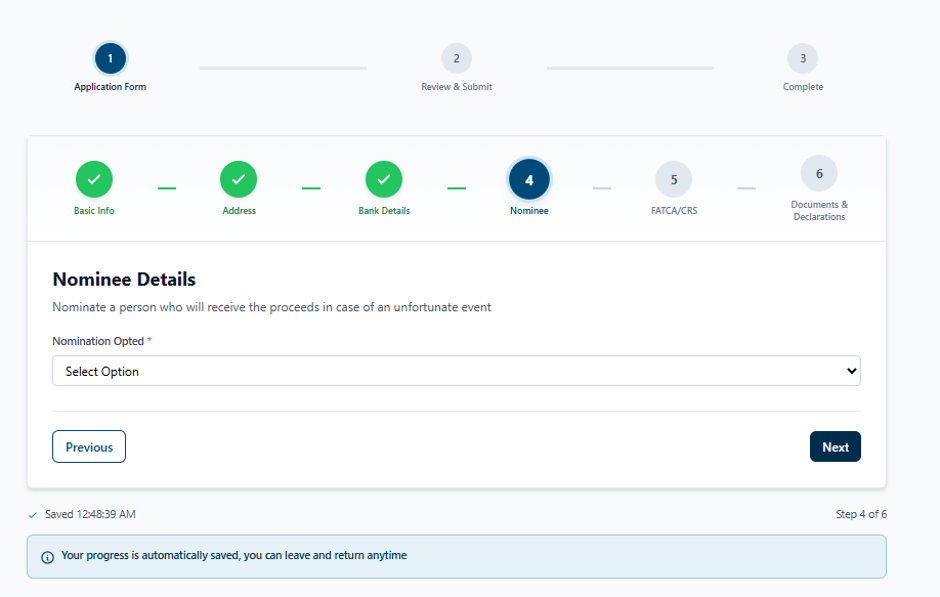
Step 9: Nominee & FATCA Declaration
- Add nominee details as per investor preference.
- Complete FATCA and tax residency declarations.
- Review the information carefully before proceeding.
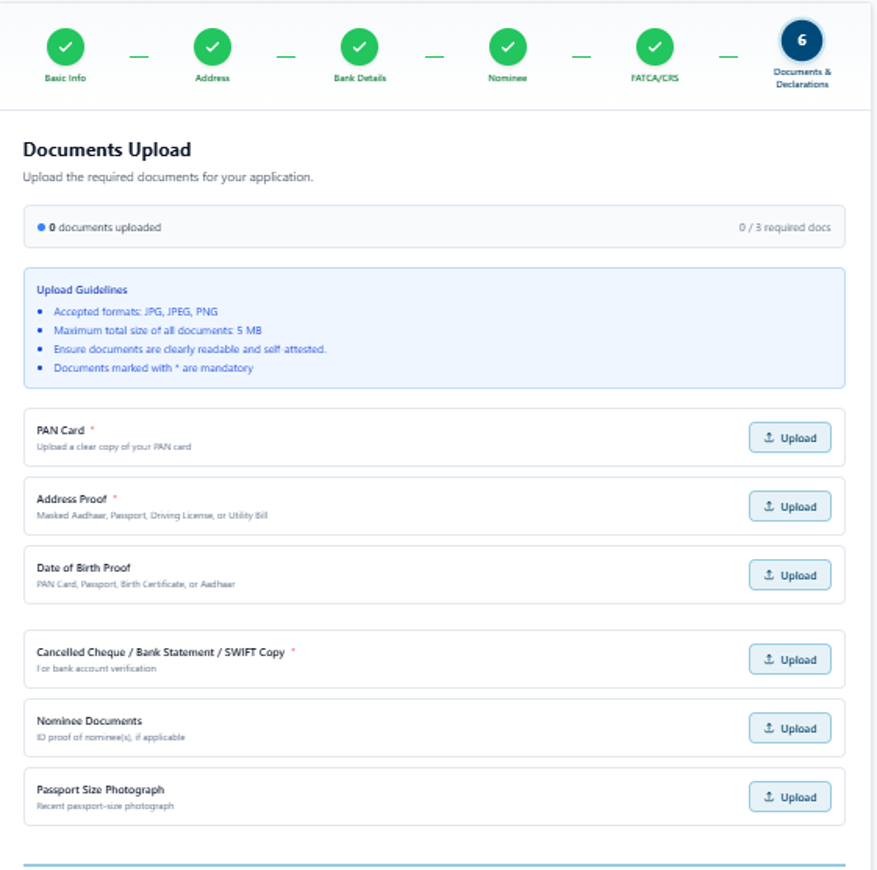
Step 10: Document Upload
- Upload all mandatory supporting documents as specified by the portal.
- Ensure documents are clear, valid, and legible.
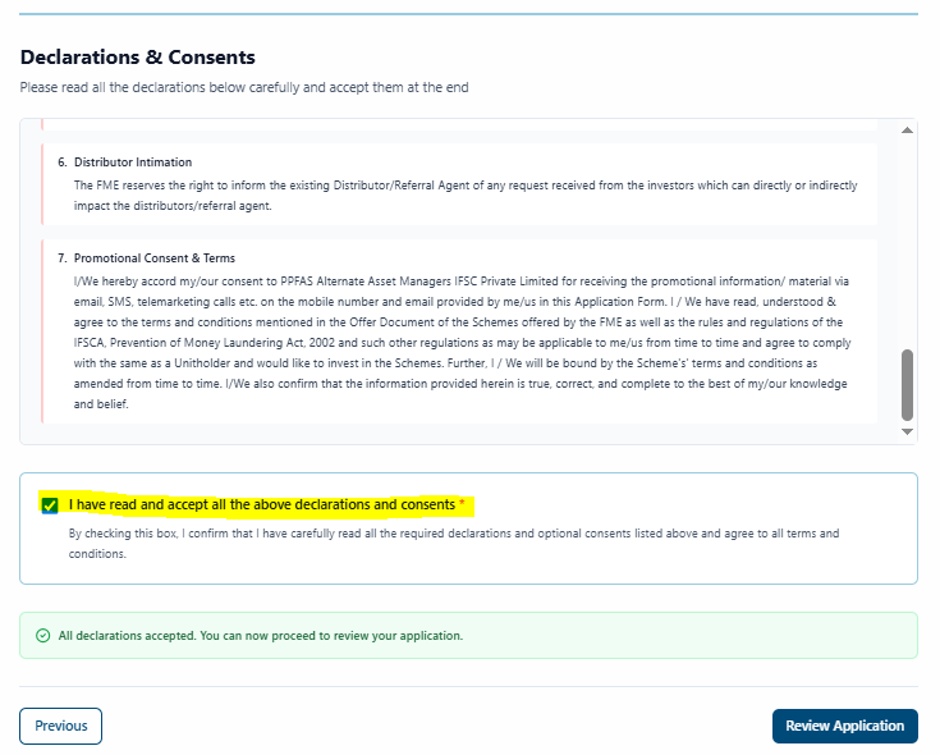
Step 11: Declarations & Consents
- Read all declarations, terms, and consent statements.
- Accept the applicable declarations and proceed to application review.
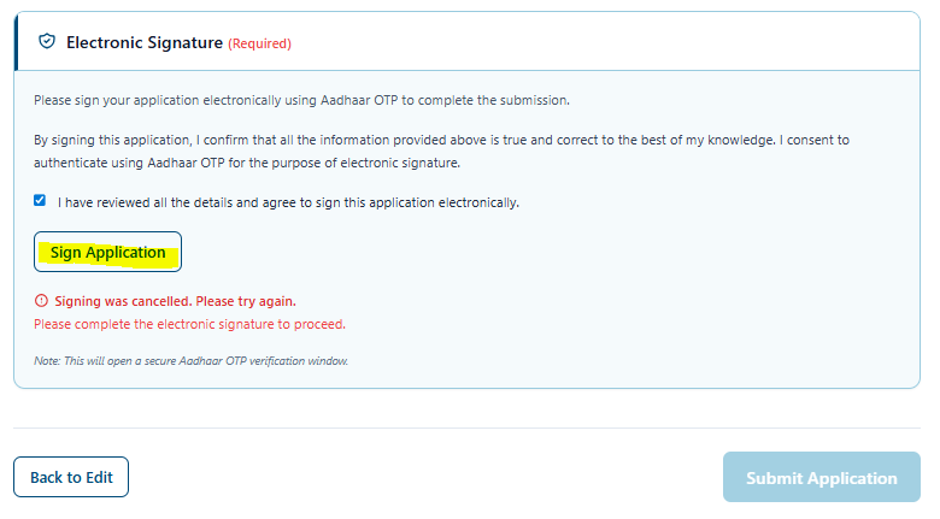
Step 12: Application Review & Signature Upload
- Review all submitted information for accuracy.
- Upload the electronic signature.
- Confirm the details before submission.
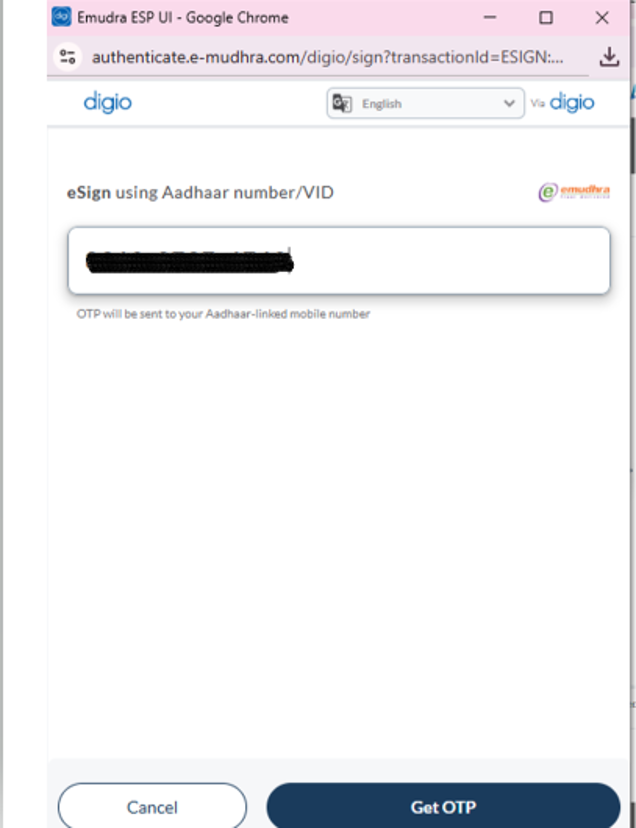
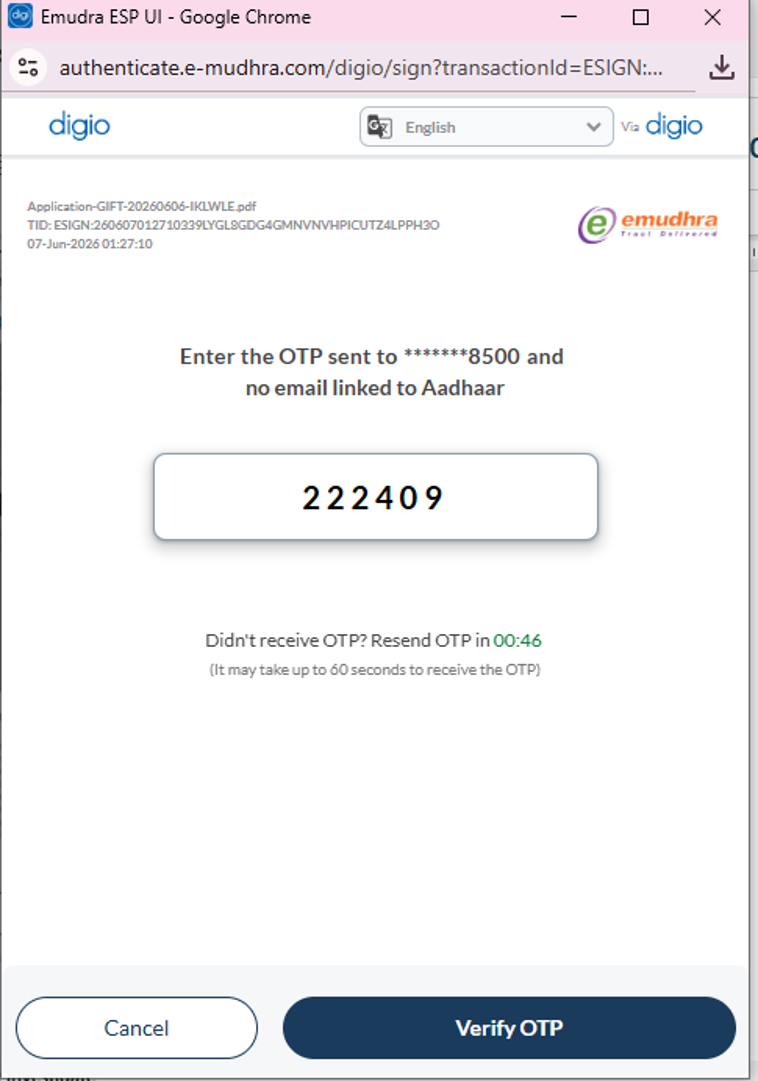
- Enter the Aadhaar number.
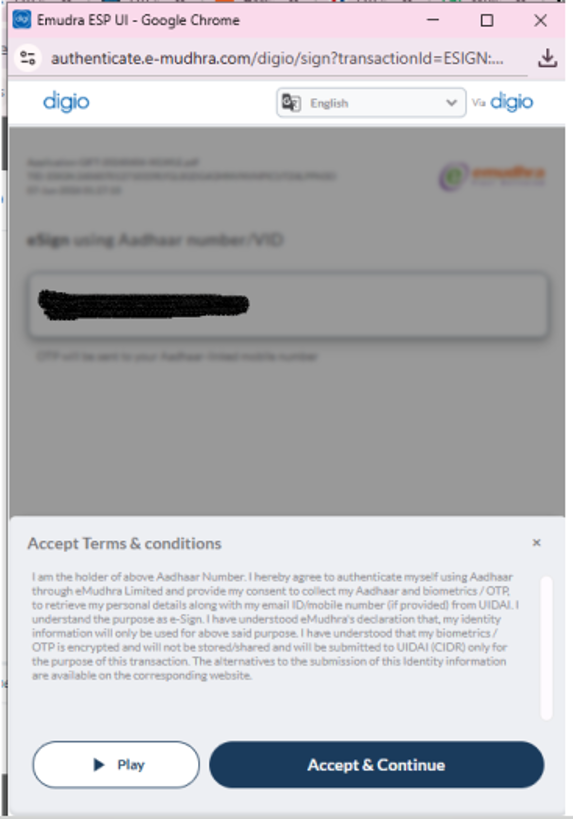
- Generate and validate the OTP received on the Aadhaar-linked mobile number.
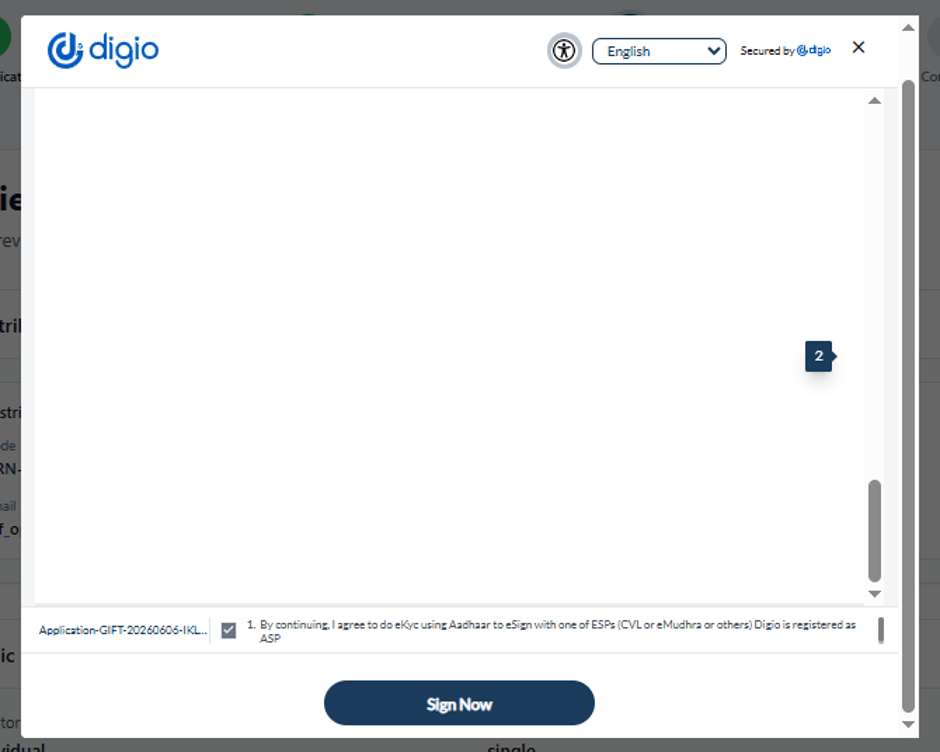
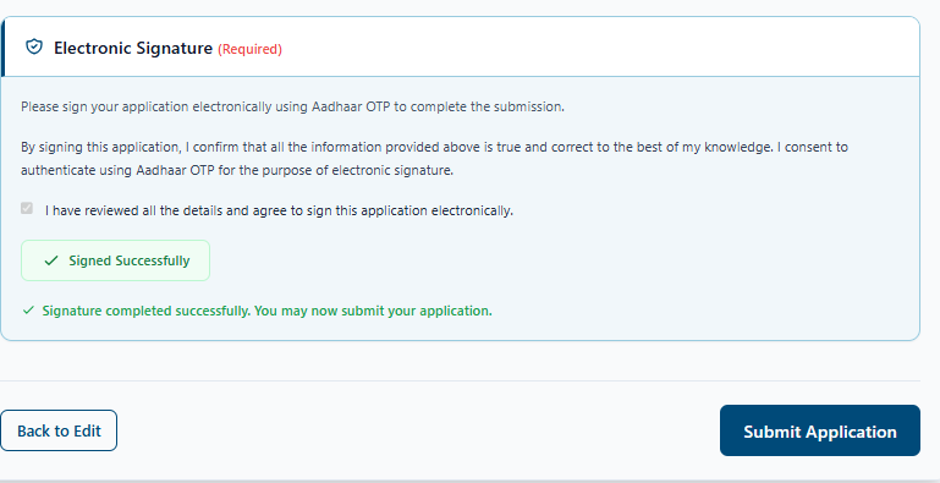
- Complete the e-sign process to authorize the application.
Step 13: Final Submission & Folio Generation
- Submit the completed application.
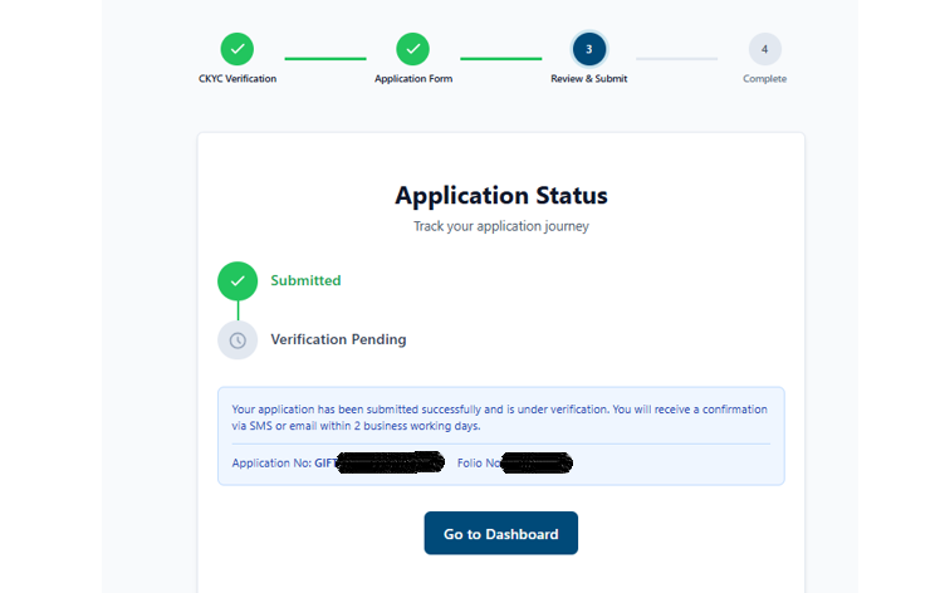
- Upon successful verification of details and documents, PPFAS will generate the folio number.
- A confirmation email containing the folio details and next steps for investment will be shared with the investor.
Investment Initiation
- Upon successful folio creation and investor onboarding, the investor may submit the enclosed transaction slip along with scheme details to initiate the investment process.
- The AMC will generate and share a payment link to the investor to complete the payment online.
Note: Online payment facility is currently available only for investors holding accounts with the following banks:
- HDFC Bank
- ICICI Bank
- Axis Bank
- IDFC FIRST Bank
- Investors maintaining accounts with banks other than those listed above can make the payment through the permitted offline mode and must share the duly filled transaction slip along with the payment proof/receipt for transaction processing.
- The transaction will be processed by the AMC upon receipt and verification of the required documents and payment details.